
















Device changes
Moving an eSIM to a new phone
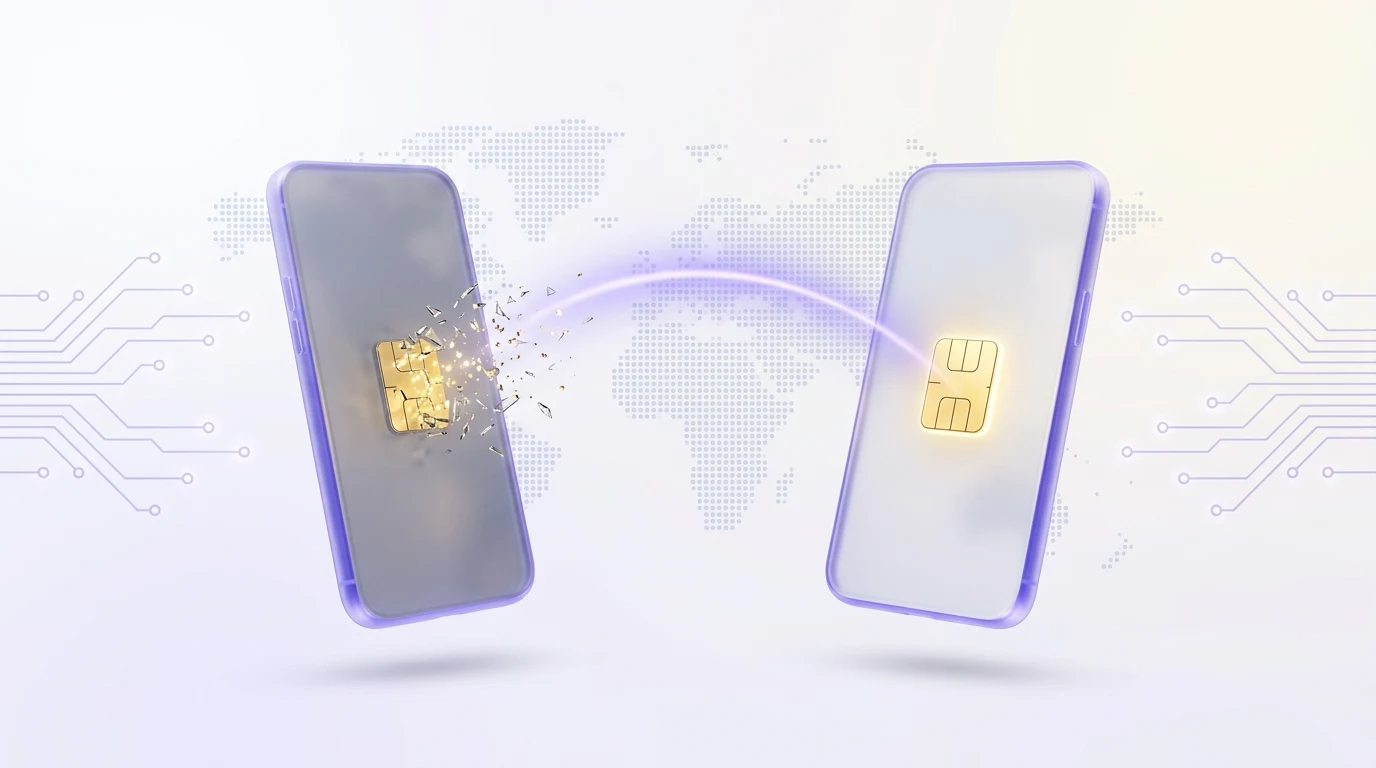
The new phone is unboxed, your number came across, and the travel data you paid for is nowhere. eSIM profiles do not move like files. Here is what actually transfers, what never does, and the five minutes beforehand that turn the whole thing into a non-event.
The short answer
Two different things get called “transferring an eSIM”, and they have opposite answers. Your everyday carrier line can usually be moved in a few taps, because your carrier can re-issue it on demand. A prepaid travel eSIM cannot be moved at all — its profile was encrypted for one specific chip and its install code was spent the moment you scanned it. It needs a reissue, not a transfer.
None of that is a defect in what you bought. It is the same property that makes an eSIM hard to steal: the profile exists inside one phone’s secure element or it does not exist, and no copy of it is sitting anywhere waiting to be moved. The practical consequence is small — a device change is a support step rather than a settings step.
- You have not wiped the old phone yet. Sixty seconds of preparation removes every problem in this guide. Skip to section 05.
- You already wiped it. Recoverable in almost every case, and free. Skip to section 08.
- Neither phone works. Your balance lives on your access token, not on a handset. Keep the token and nothing is lost.
The rest of this guide takes those three situations apart in order, starting with the question everybody actually means when they ask it: what comes across on its own?
What actually moves to the new phone
Setup assistants are cheerfully vague here, so here is the same question asked seven ways. Read the middle column as “without you doing anything about it”.
| What | Moves by itself? | What it takes |
|---|---|---|
| Your phone number | Usually | Built-in eSIM transfer, or a new QR from your carrier |
| A physical SIM | Yes | Move the card — unless the new phone has no tray |
| A travel data eSIM | No | A reissued profile, built for the new chip |
| Data left in a pack | Yes | It belongs to the plan, not to the handset |
| Your prepaid balance | Yes | It belongs to your access token |
| Your access token | No | Copy it across yourself — it is the only credential |
| Screenshots of the QR | Yes | And they install nothing once the code is spent |
The two rows to plan for are the two nobody thinks of: the access token, which no cloud restore will hand back because we never learned who you were, and the installed profile, which is gone the second the old phone is erased.
Moving your everyday number
Your own number is the easy half, and both platforms now do it over the air. Both paths depend on your carrier having switched the feature on — where it has not, the fallback is identical everywhere: ask them for a fresh QR code.
- 01iPhone to iPhone, during setup
The setup assistant offers to bring your cellular plan across. Accept it, and the transfer runs over Bluetooth while both phones are awake and beside each other.
- 02iPhone to iPhone, afterwards
Settings → Cellular → Add eSIM, then choose the option to transfer from a nearby iPhone. Confirm the code shown on the old screen; the line deactivates there as it activates here.
- 03Android to Android
Recent Pixel and Galaxy releases offer an eSIM transfer in the setup wizard, and afterwards in the SIM manager. The wording varies by brand far more than the mechanism does.
- 04Either direction, if the option is missing
That is your carrier, not your phone. A support chat and the sentence “please re-issue my eSIM for a new device” usually takes minutes.
- 05Any direction, the manual way
Install the QR your carrier sends as a brand-new eSIM, then delete the old profile once the new one has signal. Slower, works everywhere.
One warning worth more than the other four: do not let anything erase the old phone until the new one is showing signal. Trade-in counters are enthusiastic about wiping devices, and an erased profile cannot be un-erased.
Why a travel profile cannot be moved
A carrier can re-issue your line because your line is an account with your name on it. A prepaid travel profile has no account behind it and, here, no name either — so there is nothing for a phone-to-phone transfer to authenticate against. What there is instead is a profile built cryptographically for one piece of hardware.
- It is sealed to one EID. The download was encrypted for your old phone’s secure element. Another chip cannot open it, whatever you do with the QR.
- The activation code is spent. Codes are single-use by carrier rule, so a screenshot of a QR you already scanned installs nothing at all.
- Deleting is one-way. Removing a profile does not release it back into circulation. It ends.
- No transfer handshake exists. The built-in transfer features talk to a carrier’s provisioning system, and an anonymous prepaid profile has no such conversation available to it.
What replaces all of that is dull and effective: a fresh profile is issued for the new chip, with your remaining data and validity intact, from an anonymous ticket on the order page. No identity check, because there is no identity on file to check.
For the reason the chip is this stubborn, the security guide covers the same machinery from the attacker’s side. The properties that make a device change inconvenient are precisely the ones that make a profile impossible to clone — you cannot have the second without the first.
The five minutes before you switch
Do these in order, on the old phone, before anything is erased or handed over. It is the difference between a device change that costs nothing and one that costs a ticket and an afternoon.
- 01Copy your access token somewhere real
The XXXX-XXXX-XXXX-XXXX code is the entire account: balance, orders, tickets. Put it in a password manager, not in a note on the phone you are about to sell.
- 02Decide whether the plan is worth moving
Open the order page and read data left and days left. A pack with 200 MB and four days on it is not worth a ticket — buy a fresh one on the new phone instead.
- 03Ask for the reissue first
If it is worth moving, request it while the old phone still works. You get the new QR before you need it, which turns the switch itself into a single scan.
- 04Screenshot the manual codes
The SM-DP+ address and activation code, saved to the device you are keeping. QR scanning fails at exactly the wrong moments; typing always works.
- 05Move your number
Built-in transfer, or the QR your carrier sent. Do this before the erase, never after.
- 06Erase the old phone last
Once the new phone shows signal on both lines, wipe the old one properly. The iOS erase flow asks whether to remove eSIMs — say yes if the device is leaving your hands.
Do
- Install the reissued profile on Wi-Fi, before you travel
- Keep the old phone working until the new one is fully live
- Store the token off-device, where a lost phone cannot take it with it
- Confirm the new phone is eSIM-capable and unlocked before buying anything
Don’t
- Deleting the travel profile “to tidy up” before the new phone works
- Assuming a cloud backup restores eSIMs — neither platform does
- Handing a phone to a trade-in counter with a live profile on it
- Relying on a screenshot of a QR code you have already scanned
iPhone to Android, and back
Switching ecosystems is where every automatic path disappears at once, and it catches people out because the rest of a migration — photos, messages, apps — now has a decent tool. Cellular does not.
- There is no cross-platform eSIM transfer. Apple’s transfer talks iPhone to iPhone; the Android features talk Android to Android. Nothing bridges the two, in either direction.
- Your number still moves, just manually: ask your carrier to re-issue the line as a QR, then install it on the new phone as a fresh eSIM.
- A travel profile moves the way it always does — by reissue. A platform switch changes nothing here, because it was never a phone-to-phone operation to begin with.
- Check the handset before the migration, not after. Carrier locking and eSIM support are the two things that turn an upgrade into a return, and both take about ten seconds to verify.
The small consolation of a platform switch: because a prepaid data profile has no account, no password and no ecosystem behind it, it is the one part of your old phone that is completely indifferent to who made the new one.
If the old phone is already gone
Most people arrive at this page after the fact, which is fine — very little here is unrecoverable. What matters is which of these four situations you are in, because only the first move differs.
The profile went with the wipe. Your token, balance and remaining pack did not. Open a ticket from the order page and ask for a reissue for the new device.
Deal with your home number first — that is the line worth stealing. Then reissue the data profile onto the replacement phone.
If the screen lights up at all, pull the token and the manual codes off it before anything else. A phone with no signal can usually still show a settings screen.
Nothing to salvage from the hardware. Everything you need lives on the token, so the recovery is the same ticket as the first case.
The one genuinely unrecoverable case is losing the access token itself with no copy anywhere. That is the honest price of an account with no identity attached: nobody can prove it was yours, including you, and no amount of goodwill can invent a check that was never collected. The no-KYC trade-off is real, and this is the day you meet it.
If the phone was stolen, the travel profile on it is not the emergency. A data-only eSIM has no number, receives no codes and is attached to no name — there is nothing on it to take over. Your home line is the one to freeze, and freezing it is a phone call.
A reissue without an account
This is the part that surprises anyone expecting support to begin with proving who they are. There is nothing to prove. The order page is reached from your token, the ticket lives inside the order, and the order is a random code — that is the whole chain of custody.
- 01Sign in with your token
Paste the code. No email, no password reset and no security questions, because none of those ever existed to begin with.
- 02Open the order for that eSIM
It carries status, data used, days left and the original activation codes.
- 03Start a ticket and say what happened
“New phone, old profile gone” is enough detail. There is no form to fill in and no proof of purchase to attach — the ticket is already attached to the order.
- 04Scan the new QR
A fresh profile for the new chip, with your remaining data and validity carried over. Install it exactly as you installed the first one.
Reissues on a device change are free. What they are not is instant by magic — a human reads the order — so treat it as “before you fly” work rather than “at the gate” work.
If the new profile installs but nothing connects afterwards, that is a different problem with a different fix. The troubleshooting guide walks the usual suspects in the order they actually occur, and data routing sits at the top of that list after any device change.
What a backup will not restore
Here is where most of the surprise lives. Both platforms back up very nearly everything about a phone, and neither backs up the one thing this guide is about.
| What you might expect back | Actually restored? |
|---|---|
| Apps, photos, messages, settings | Yes — that is what the backup is for |
| An installed eSIM profile | No, on either platform |
| Your carrier line | No — but the carrier can re-issue it |
| A prepaid travel profile | No — it needs a reissue |
| The QR image in your photo library | Yes, and it is spent, so it installs nothing |
| Your access token | Only if you stored it somewhere that syncs |
The reason is structural rather than an oversight. A profile is sealed to one secure element, so restoring a copy onto different hardware would produce something the new chip could not open even if the backup contained it. Not restorable is simply the shadow cast by sealed to the device.
Which makes the token the only thing in this whole migration that genuinely depends on you. Everything else can be re-issued by somebody. The token cannot — treat it like a seed phrase, not like a password.
Slots, second devices and small print
A handful of practical limits surface whenever profiles start moving around. None are dramatic, and all are easier to know before the upgrade than during it.
| Question | The practical answer |
|---|---|
| How many eSIMs can a phone hold? | Several — most modern handsets store multiple profiles |
| How many can be active at once? | Recent iPhones allow two; many Android phones allow one eSIM plus a physical SIM |
| Does deleting free the slot? | Yes, and it is the fix when a phone refuses a new profile |
| Can I put the same plan on a tablet too? | No — one profile, one chip. A second device needs its own plan |
| Does a factory reset remove eSIMs? | Normally yes; iOS asks, most Android wipes do not |
| Does the 30-day clock pause during a switch? | No — validity runs from first connection, whichever phone it is on |
Worth knowing while you shop for the replacement: some models in some markets ship eSIM-only, with no tray at all. Good news for a travel profile, awkward news for the physical SIM you were planning to move across — the comparison guide covers what changes.
Beyond that, a device change is genuinely uneventful. Your number, calls and messaging apps follow the line they always followed, the data follows the profile, and the only thing that follows you personally is a sixteen-character code you should already have copied.
Questions, answered
Can I transfer my travel eSIM to a new phone?
Not by moving it. A travel profile is encrypted for one specific chip and its activation code is single-use, so there is nothing to copy across and no transfer handshake to run. What you do instead is have the profile reissued for the new device, which carries your remaining data and validity over and costs nothing. Open a ticket from the order page while the old phone still works, and the switch becomes a single scan.
Does a factory reset delete my eSIM?
In almost every case, yes. The iOS erase flow asks whether to keep or remove your eSIMs, and keeping them only makes sense if you are keeping the phone; most Android wipes take the profiles without asking. Neither platform backs an eSIM up, so restoring from iCloud or Google will not bring one back. Reissue first, erase second — in that order, nothing is ever lost.
Can I install the same eSIM on two devices, like a phone and a tablet?
No. A profile is built for one secure element, and once it has been installed the activation code is spent, so a second device receives a payload it has no key to open. If you want data on a tablet as well as a phone, the practical answers are a second plan for it, or a hotspot from the phone that already has one.
My phone was stolen — can someone use my eSIM?
They can use the data if the phone is unlocked and they get past your passcode, which is a good argument for a strong one. What they cannot do is anything worse than that: a data-only profile has no phone number, cannot receive SMS codes and is attached to no name, so there is no account behind it for anyone to take over. Your physical SIM is the line that needs an urgent call to your carrier.
Will I lose the data I already paid for?
No. The remaining allowance and the days left belong to the plan rather than to the handset, and a reissued profile carries both across untouched. The only thing a device change genuinely costs you is time, which is exactly why doing it before the old phone is erased is worth the five minutes.
Does the built-in eSIM transfer work with a no-KYC eSIM?
No, and it is not a limitation anyone chose. Apple’s transfer and the Android equivalents work by asking a carrier’s provisioning system to move a line between devices, which requires an account at that carrier with your identity attached to it. An anonymous prepaid profile has no such account by design, so there is no system to ask. A reissue does the same job through a different door.
What if I lose my access token while changing phones?
That is the one loss nobody can undo. The token is the only credential that exists — no email on file, no phone number, no name — so there is no way for anyone to verify a claim to the account, including us. Copy it into a password manager before you migrate, and treat it the way you would treat a wallet seed phrase rather than a password.